
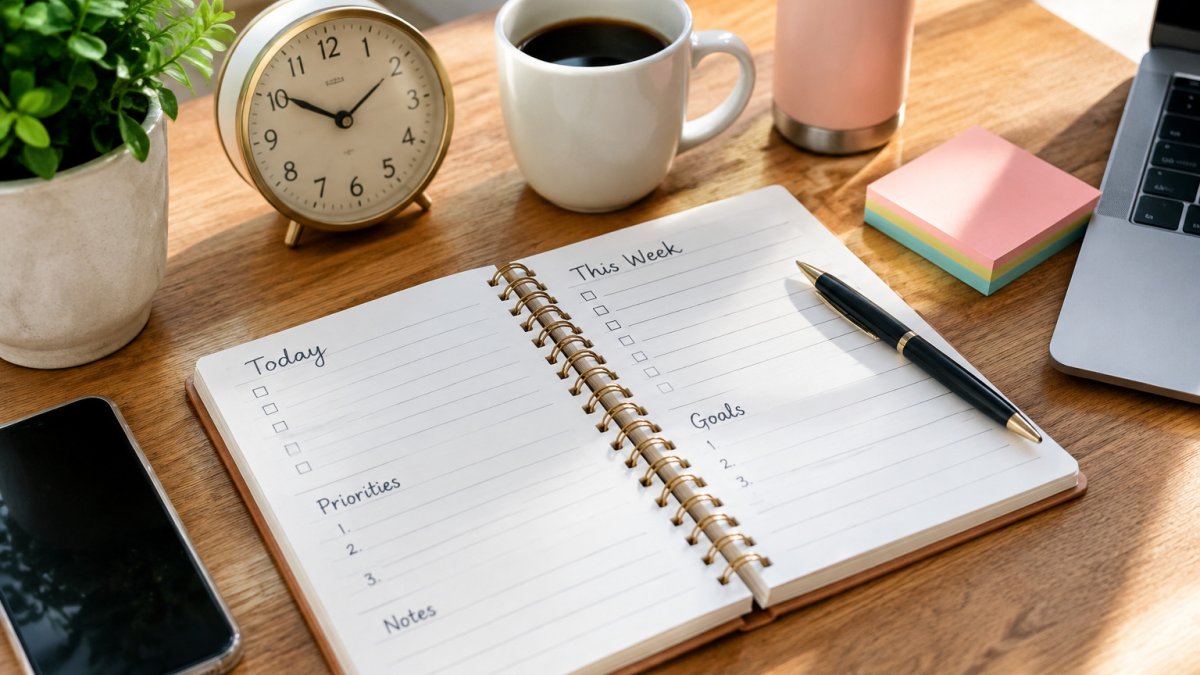
 listicle
Time Management Techniques for Busy Schedules: 9 Methods That Work
Quick Summary
The most effective time management techniques for busy schedules are time blocking, which assigns each task a fixed calendar slot, and planning only part of your available hours. Leaving gaps and a buffer lets overruns and urgent requests land without breaking the week.
- Assign each task a specific calendar window instead of keeping a loose to-do list.
- Keep your must-do group to three items or fewer each day.
- Plan a weekly review of about 20 minutes on Sunday evening or Monday morning.
- Set aside a 15-minute buffer each afternoon for unplanned tasks.
- Track completed planned blocks weekly and switch methods if the number stays low for three weeks.
Table of Contents
- 1. Time Blocking: Give Every Task a Fixed Slot
- 2. Prioritizing When Everything Feels Urgent
- 3. Building a Time Management Plan for the Week
- 4. Time Management Tools That Fit a Packed Schedule
- 5. Applying These Techniques at Work
- Handling Interruptions, Buffers, and Digital Overload
- Start With One Technique This Week
- Frequently Asked Questions
Why Busy Schedules Break Standard Planning Advice
Most time management techniques assume you control your calendar. If you have a 9-to-5 with meetings, school pickups, and a phone that never stops buzzing, that assumption falls apart by lunchtime. The techniques below are built for people whose days are already full before they start. (Source: a 2023 survey by Statista)
These nine methods are built for busy people who need systems that bend without breaking. Some work best during a crisis week, others when life is steady. We also cover what to do when nothing goes to plan, which is more often than most guides admit.
A single well-chosen technique often does more than a complicated system that gets abandoned. Start small, pick the method that matches your schedule, and build from there.
1. Time Blocking: Give Every Task a Fixed Slot
Time blocking means assigning each task a specific window on your calendar instead of keeping a loose list. A block might be 9:00 to 9:45 for email, or 2:00 to 3:30 for a report. The calendar becomes the to-do list.

The main benefit is that it makes tradeoffs visible. If you only have three open hours this week, the blocks show you what fits and what does not. Unblocked time can quietly disappear to interruptions.
Leave gaps between blocks, because a back-to-back schedule looks efficient on paper but leaves no room for the inevitable overrun. Among time management techniques, this gap is the easiest to skip and the most costly to lose.
2. Prioritizing When Everything Feels Urgent
When every item is marked urgent, none of them are. A simple sorting rule helps: ask which tasks will still matter in a week, and which ones only feel pressing today.
Try sorting your list into three groups: must happen today, should happen this week, and can wait. Keep the "must" group to three items or fewer. Anything beyond that is a hope, not a plan.
Watch out: rating everything as high priority defeats the purpose. If your top list keeps growing, cut it.
3. Building a Time Management Plan for the Week
A weekly plan takes about 20 minutes on Sunday evening or Monday morning. Review your commitments, identify the two or three outcomes that would make the week a success, and then block time for each one.
What separates a plan that survives Wednesday from one that collapses by Tuesday is capacity math. Before you block anything, add up the hours you actually have. Take your working hours, subtract fixed commitments (meetings, commutes, school pickups, appointments), subtract recurring personal tasks (meals, laundry, errands, rest), and subtract a buffer. Planning only part of your available hours and leaving the rest unassigned is one approach to allow for overruns. That leftover is not slack, it is the space where overruns, urgent requests, and the unexpected land without wrecking the week.
Include the boring work too: groceries, laundry, errands, and rest. These tasks eat time whether you plan them or not, so putting them on paper keeps them from crowding out your priorities. Rest deserves a block for the same reason: if recovery is not on the calendar, it gets treated as leftover time and disappears first.
Build the week in three passes. First, place fixed commitments. Second, block the two or three outcomes that would make the week a success, give each one a realistic window, not a hopeful one. Third, add the recurring personal tasks and at least one recovery block. If the three passes do not fit inside the hours you realistically have, the week is overplanned, and you should cut an outcome rather than squeeze the blocks.
A useful habit is a short Friday review. Note what finished, what slipped, and why. Those notes make next week's plan more realistic. Track two numbers across the review: how many planned blocks you completed, and how many unplanned tasks landed in your buffer. If buffer overflow stays high for several weeks, your capacity estimate may be too optimistic, plan a smaller share of your hours before you change techniques.
Watch out: a weekly plan built for a steady workload breaks when your schedule is variable. If your hours shift week to week, plan in two layers, a fixed layer for commitments that never move, and a flexible layer you re-block each morning based on the hours you actually have that day.
4. Time Management Tools That Fit a Packed Schedule
The best tool is the one you will actually open. A paper planner works well for people who think better with a pen. A shared digital calendar suits families and teams. A task app with reminders helps when you juggle many small items.
| Tool Type | Best For | Main Drawback |
|---|---|---|
| Paper planner | Visual planning, low distraction | Hard to share or change |
| Shared digital calendar | Families, teams, recurring events | Easy to overfill |
| Task app with reminders | Long lists of small tasks | Can become a dumping ground |
Pick one primary tool and stick with it for at least a month before judging it.
5. Applying These Techniques at Work
At work, the challenge is usually other people. Meetings get scheduled over your focus time, and colleagues expect quick replies. Protect at least one block per day for deep work and label it on your calendar so others can see it. A labeled block, "Focus: report draft, do not book", is respected far more often than an empty one.
When someone asks for something urgent, ask what they need by when, then decide whether it goes in today's list or next week's. This small question often reveals that the request can wait. A second useful question is what happens if it waits a day; the answer tells you whether the request is truly urgent or merely recent.
Meetings are the main source of schedule fragmentation. Two habits help. First, cluster meetings into set windows, for example, late morning and early afternoon, so the rest of the day stays in longer, usable blocks. Second, default to shorter meetings and decline or shorten the ones without a clear decision to make. A calendar full of 30-minute meetings with no agenda is a calendar that cannot hold deep work.
These methods are not one-size-fits-all, and the right technique depends on your schedule type. Remote workers face blurred boundaries and notification overload, so fixed start and stop times plus notification windows matter most. Shift workers rarely have a stable daily rhythm, so planning around energy, not clock time, and protecting sleep blocks works better than a fixed 9-to-5 plan. Caregivers and parents need short, interruptible blocks and a buffer around pickup and appointment times. Students benefit from timed work intervals and a weekly review tied to deadlines. People with variable workloads should re-plan each morning rather than commit to a fixed weekly grid.
Remember that these methods also apply outside the office. Caregivers, parents, and anyone managing a household can use the same blocks for errands, appointments, and time for themselves.
Watch out: copying a technique built for a steady office schedule onto a shift or caregiving schedule usually fails within two weeks. Match the method to the schedule type first, then refine the details.
Handling Interruptions, Buffers, and Digital Overload
Interruptions will happen. A practical system is to set aside a 15-minute buffer each afternoon for unplanned tasks. When something urgent lands, it goes into the buffer first. If the buffer is empty, you move a lower-priority block rather than skipping lunch.
Build transition time between commitments too. Five minutes between meetings lets you reset, grab water, and avoid carrying one task's stress into the next.
Notifications drain focus quietly. Turn off non-essential alerts during your blocks, and check messages at set times instead of every few minutes. Turning off non-essential alerts can help you feel less scattered.
Finally, measure whether a technique is working. Track how many planned blocks you complete each week. If the number stays low for three weeks, the method may not suit your schedule, and you should try another.
Start With One Technique This Week
Choose one method from this list and use it for seven days. Time blocking is a good starting point for most people. Set up two or three blocks tomorrow, add a buffer, and review on Friday.
At Soul Perfect, we believe steady progress matters more than a perfect system. Our free community is a place to share what is working for you, and our marketplace offers affirmation apparel and wellness products to keep you encouraged along the way. When you are ready, you can find the One Moment at a Time Amber jar soy candle at $21.99 to mark the end of a productive day.
Frequently Asked Questions
What is the 3-3-3 rule for time management?
The 3-3-3 rule divides your focus into three buckets: three tasks that need deep attention, three smaller tasks that can be finished quickly, and three maintenance items such as email or errands. Many people with busy schedules find it useful because it caps the number of priorities at nine a day, which keeps a packed calendar from turning into a long list nobody finishes. Start by picking the three deep-work tasks the night before, then fit the rest around them.
How can you prioritize tasks when everything feels urgent?
Sort tasks by two questions: what happens if this waits until tomorrow, and does it move a goal you care about forward? Tasks with real consequences and clear payoff go first. Tasks that only feel urgent because someone asked for them quickly can be delegated, batched, or scheduled for later. Writing the top three on paper each morning makes the ranking visible and helps you resist reacting to every new request.
Which time management tools help organize a busy schedule?
A single calendar that holds both appointments and task blocks works better than separate lists scattered across apps. A paper planner suits people who want to write things by hand, while a digital calendar with reminders suits those who work across devices. Pick one primary tool, add a simple task list, and avoid adding a new app each time your schedule changes. The tool matters less than checking it at the same time each day.
What time management techniques work best in the workplace?
Time blocking, a short daily planning session, and protected focus periods tend to fit most office roles. Share your blocked focus times with colleagues so they know when to expect a slower reply. Batch email and messages into two or three set windows instead of checking constantly. Build in a buffer of 15 to 20 minutes between meetings so that overruns do not wipe out the rest of your afternoon.